This blog has been written as a homework assignment for the Middle East Technical University 2025–2026 CENG 795 Special Topics: Advanced Ray Tracing course by Şükrü Çiriş. It aims to present my raytracer repository, which contains the code developed for the assignment.
Homework 1
Introduction
I tried to develop a high-performance, parallel ray tracer. I implemented a vector math library using SSE4.1 SIMD instructions and the program is designed to leverage multi-threading, allowing users to specify the number of threads or utilize the system's optimal count. I also implemented a uniform grid acceleration structure in order to render the scenes faster. I may change the acceleration structure in the future.
Tools and Third-Party Libraries Used
The project was developed using the C++20 standard, built with the Make build system, and compiled with the GNU Compiler Collection (GCC). Three third-party libraries were utilized: RapidJSON for efficient parsing of JSON input files, stb_image_write for saving rendered output images, and sse_mathfun for providing optimized implementations of logarithmic and exponential functions using SSE instructions. You can examine the source code using the link provided at the top of the page and refer to the README file for detailed usage information.
Features
-
Back-Face Culling
-
Ambient Light and Point Light
-
Mirror, Conductor, Dielectric, and Regular Materials
-
Flat Shading
-
Uniform Grid Acceleration Structure
Output Images
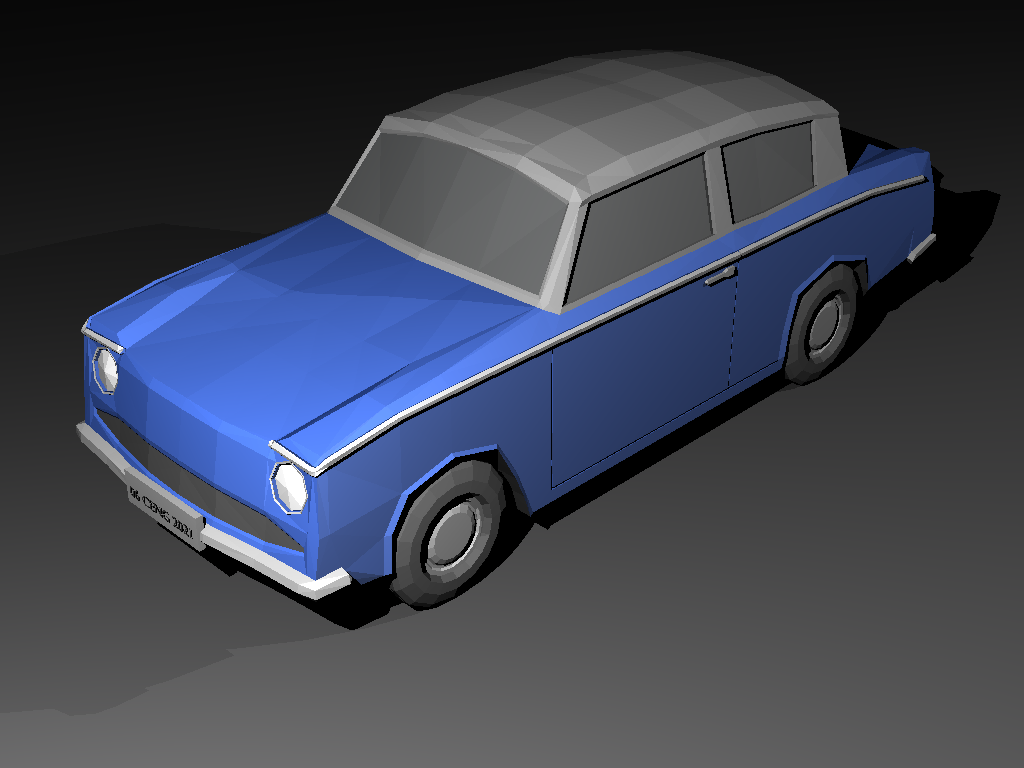
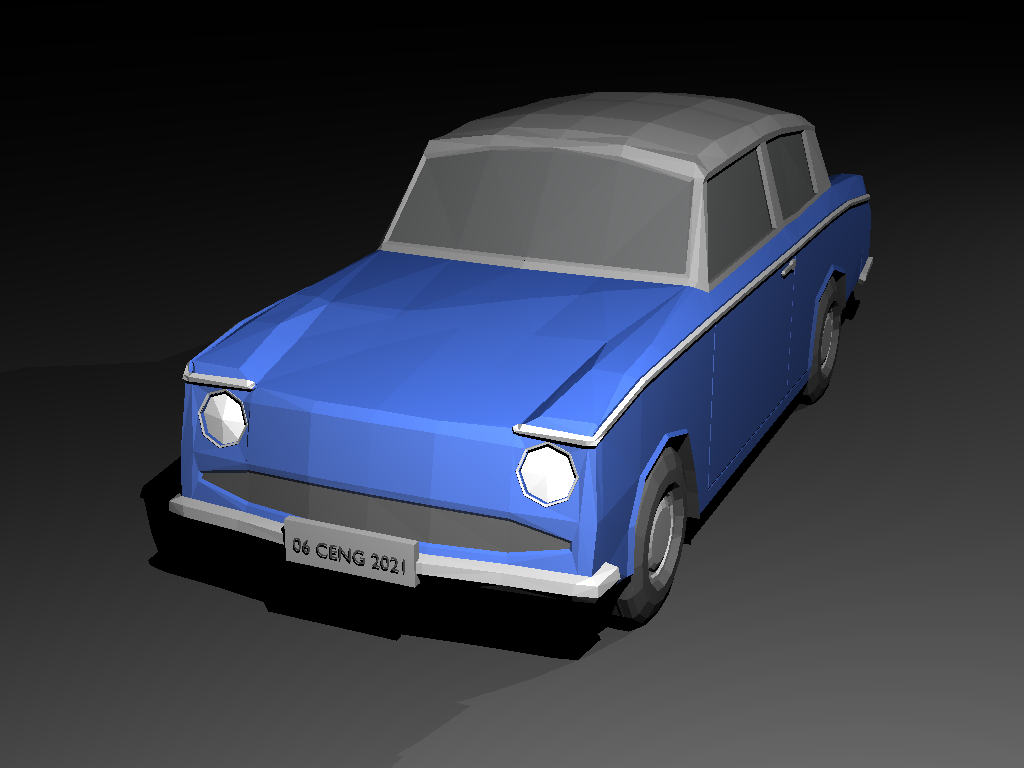
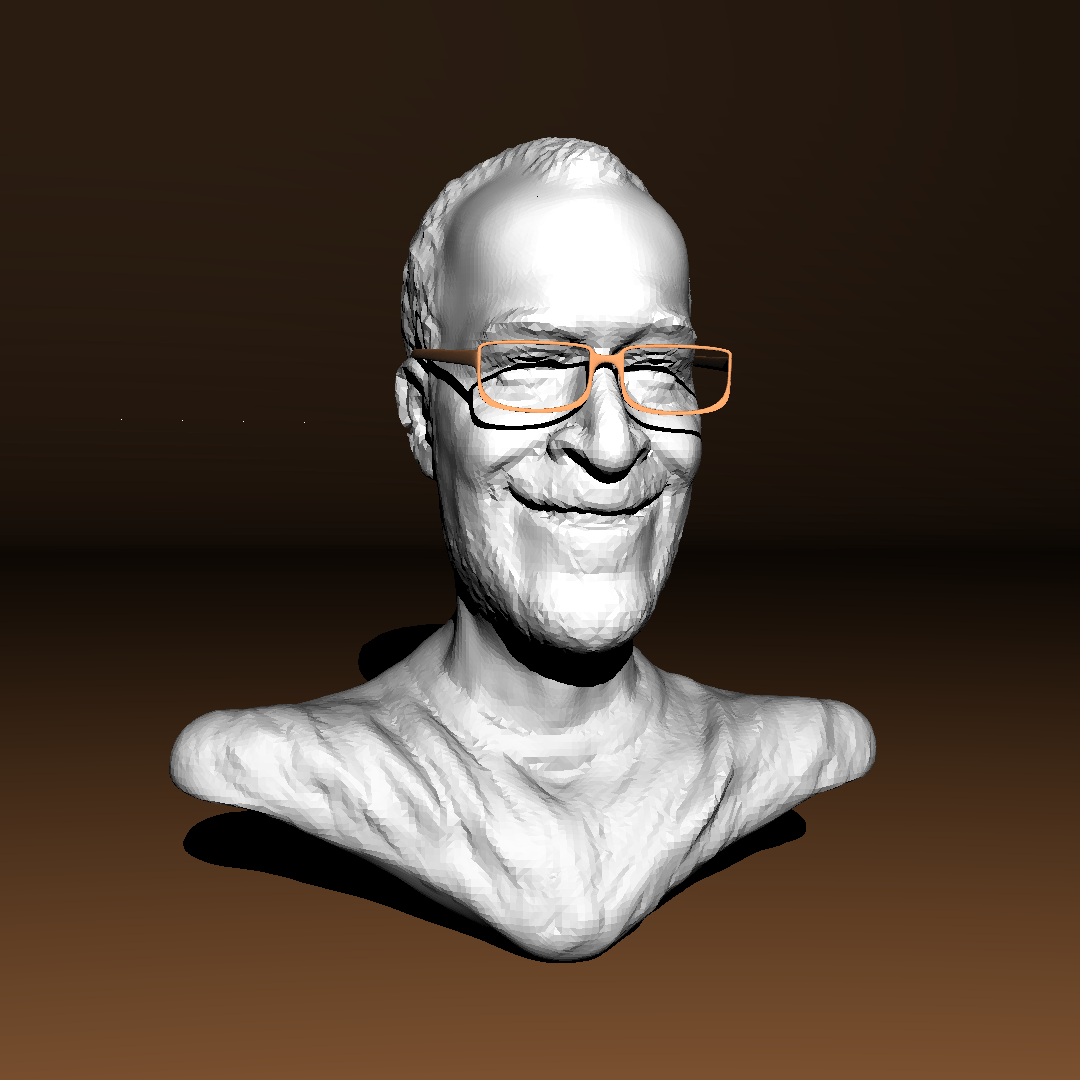
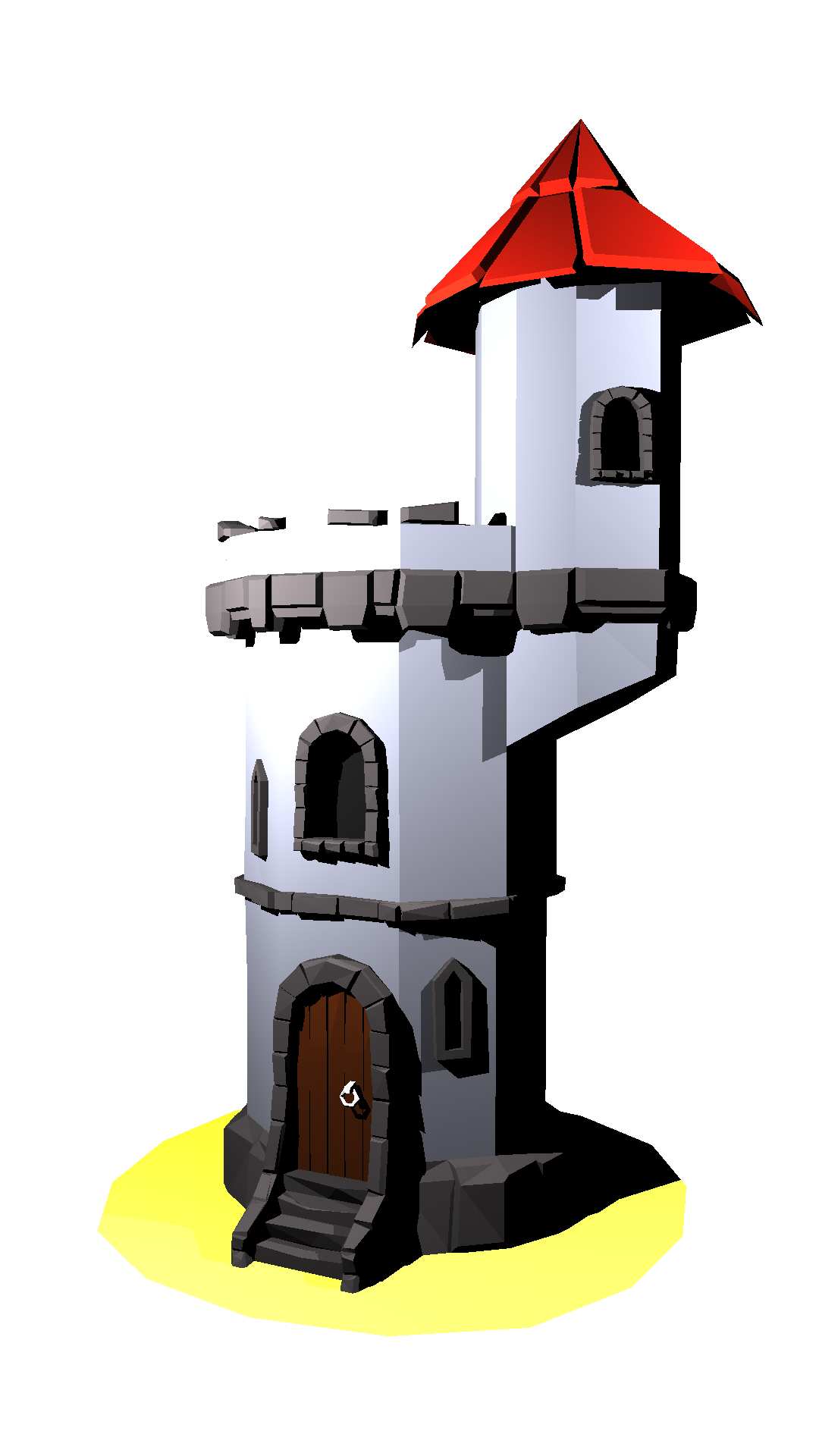
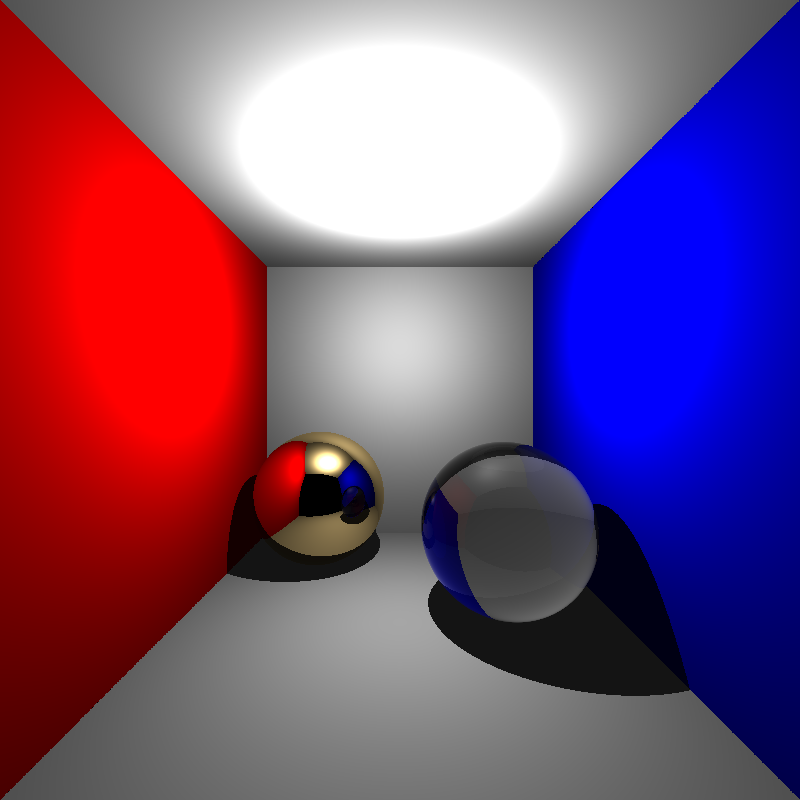
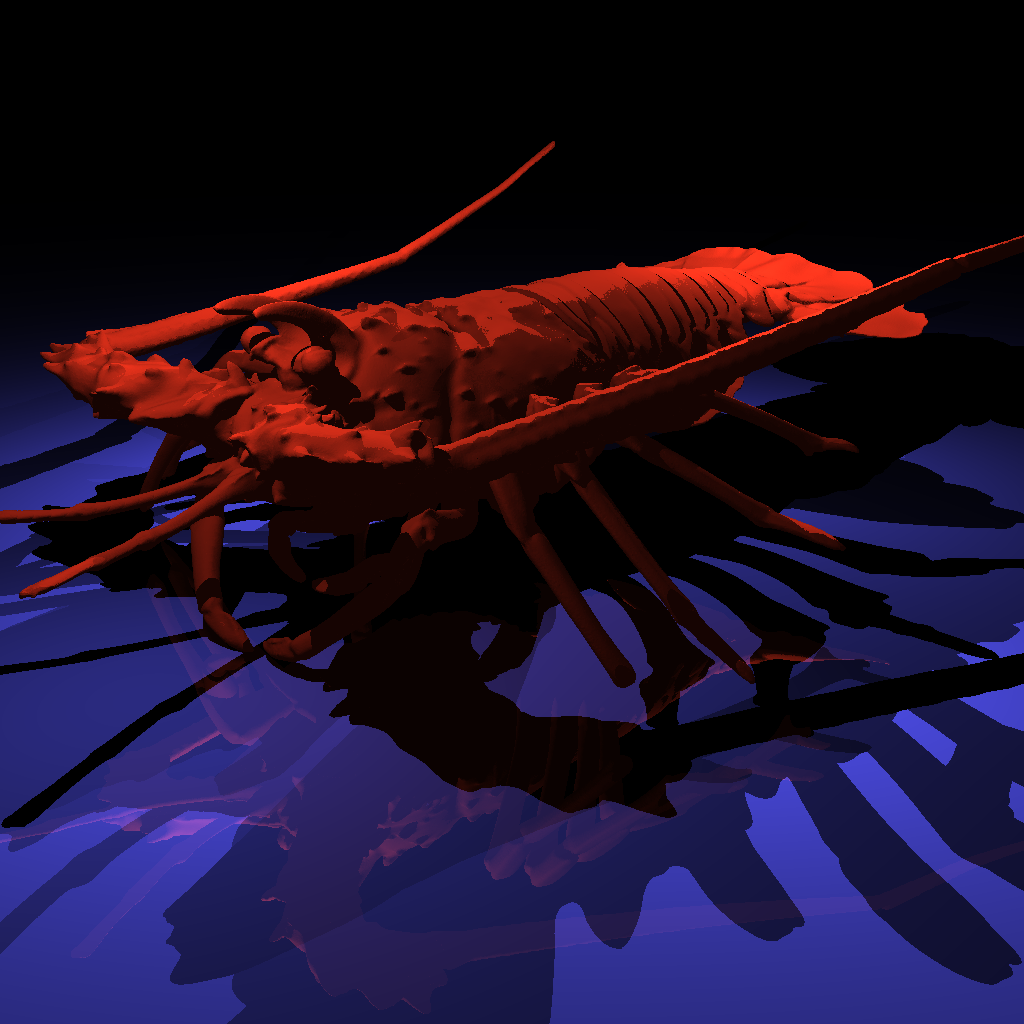
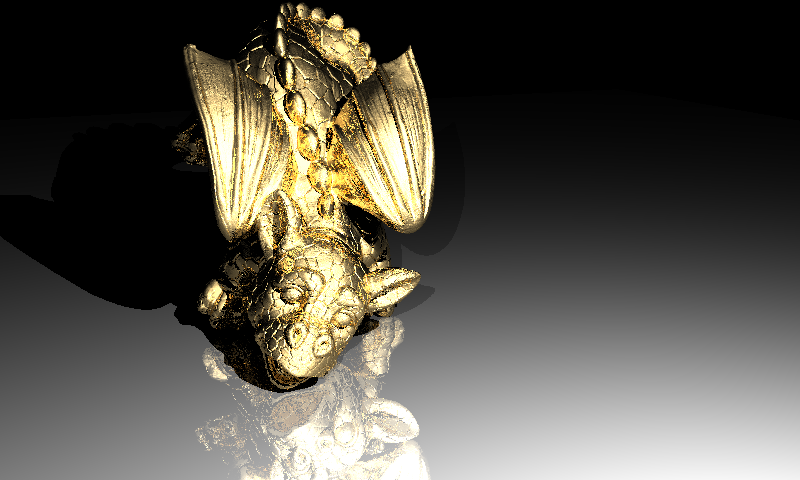
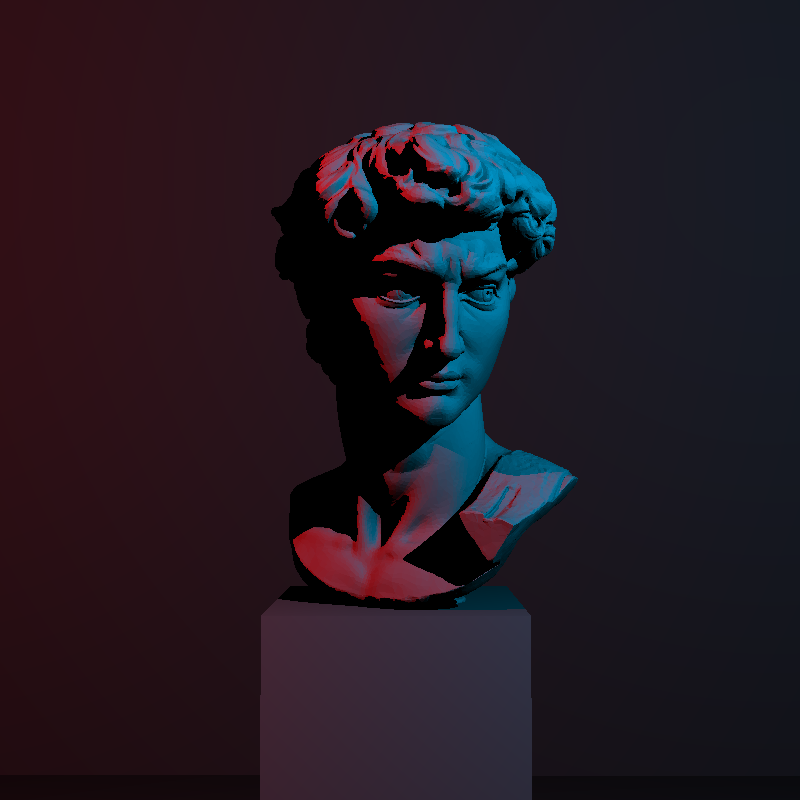
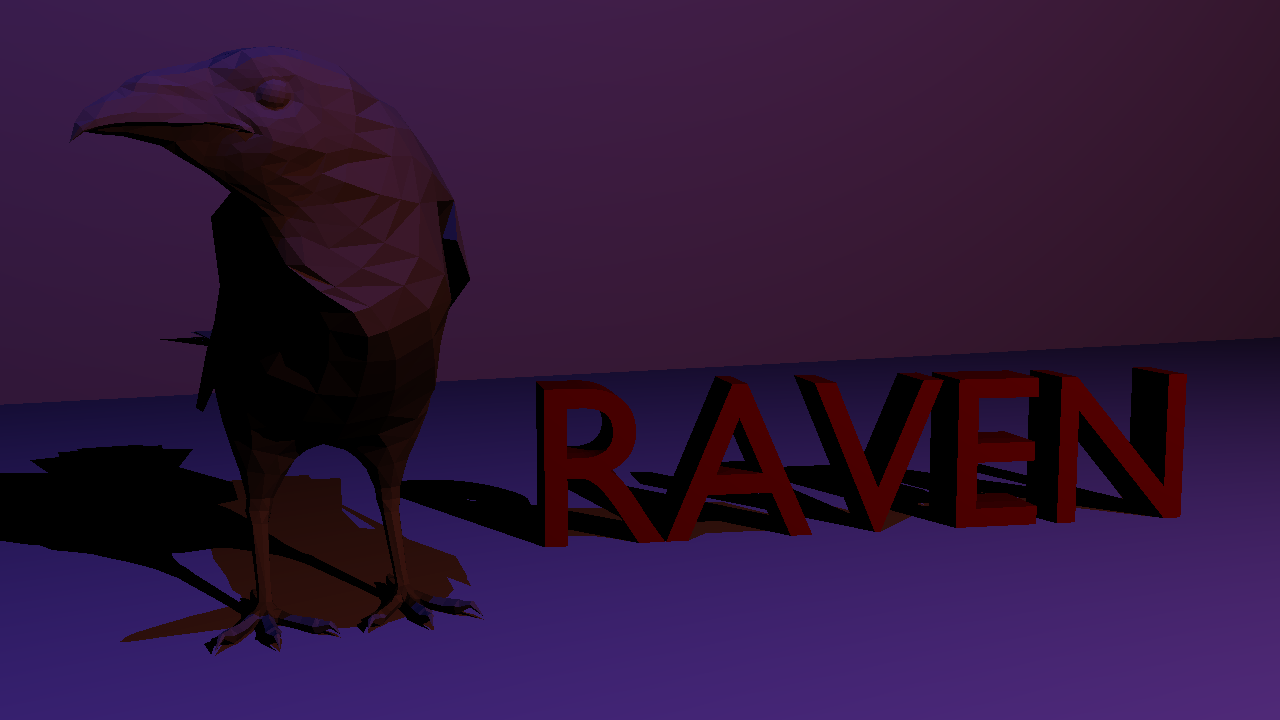
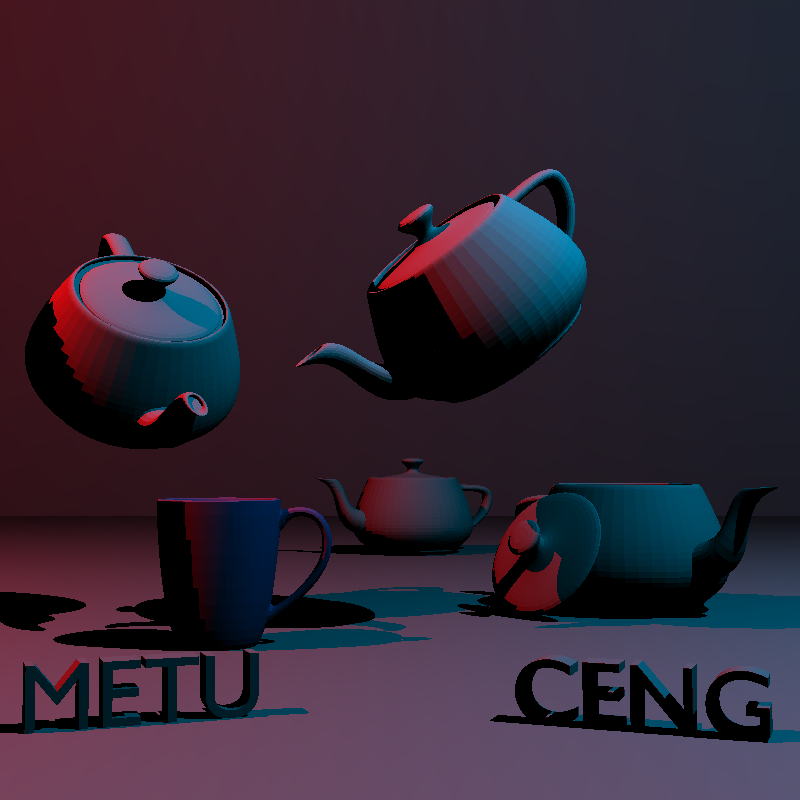
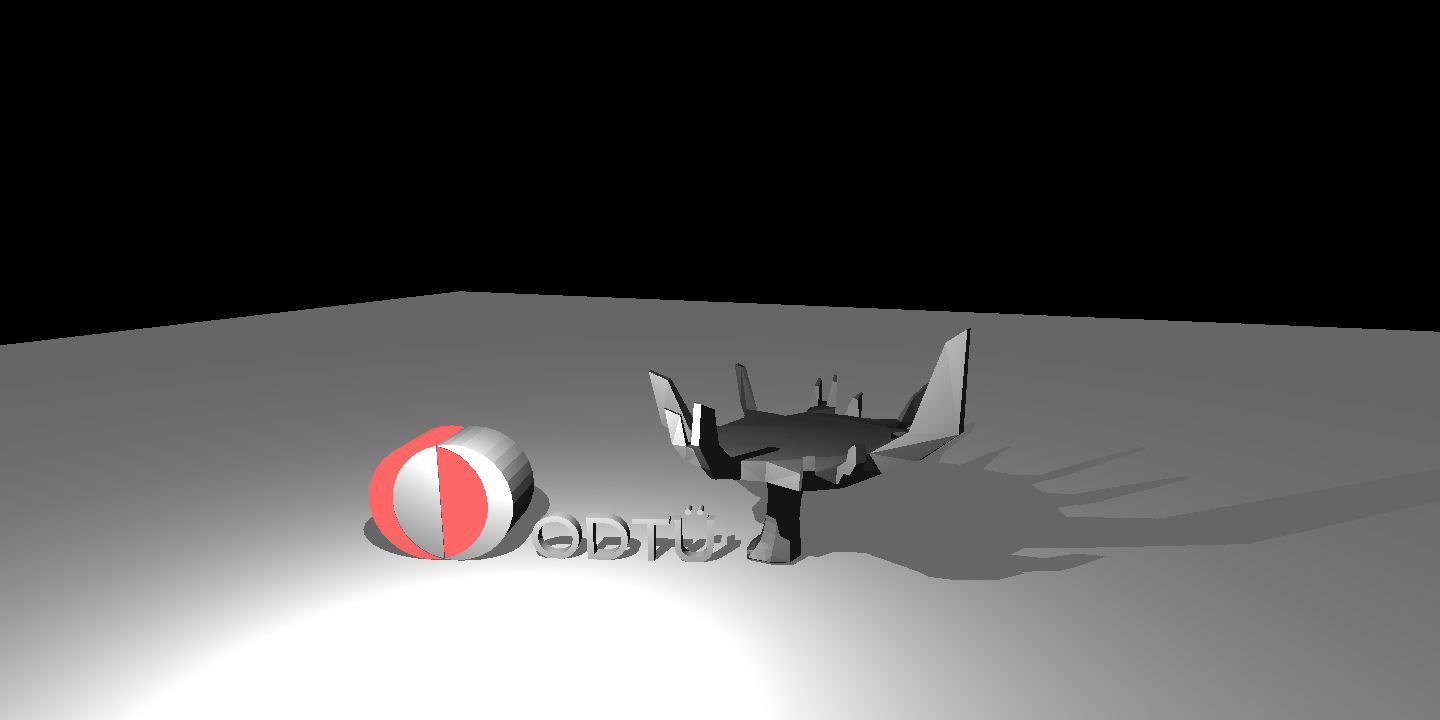
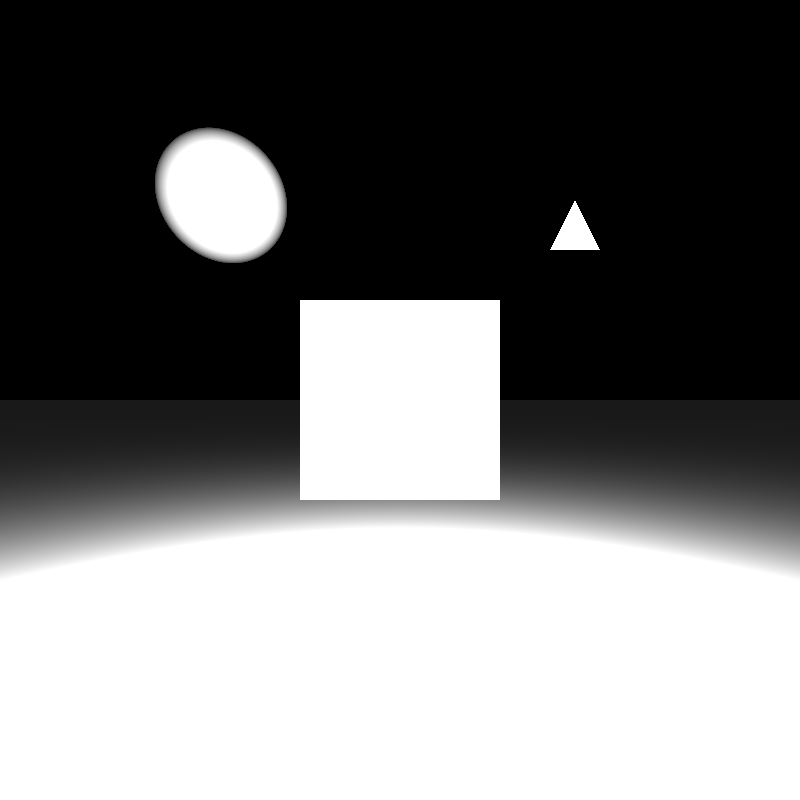
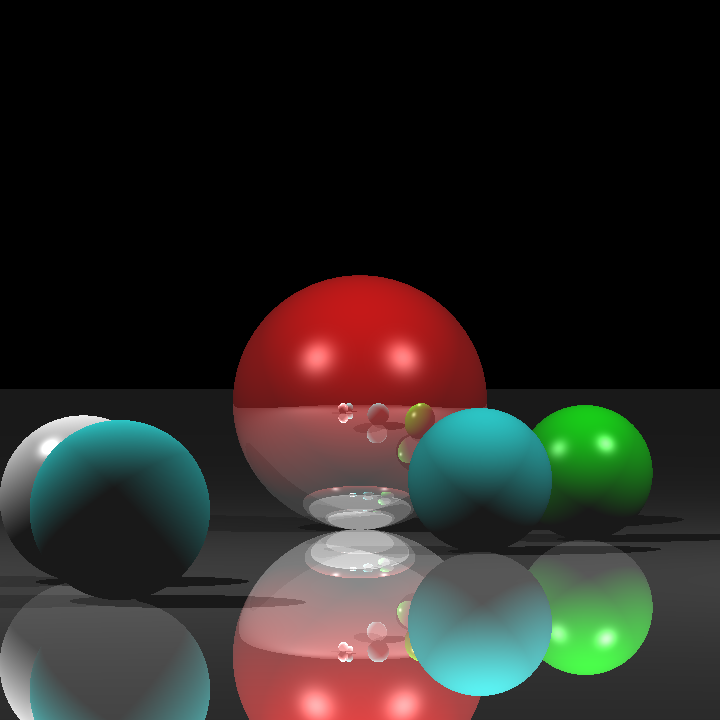
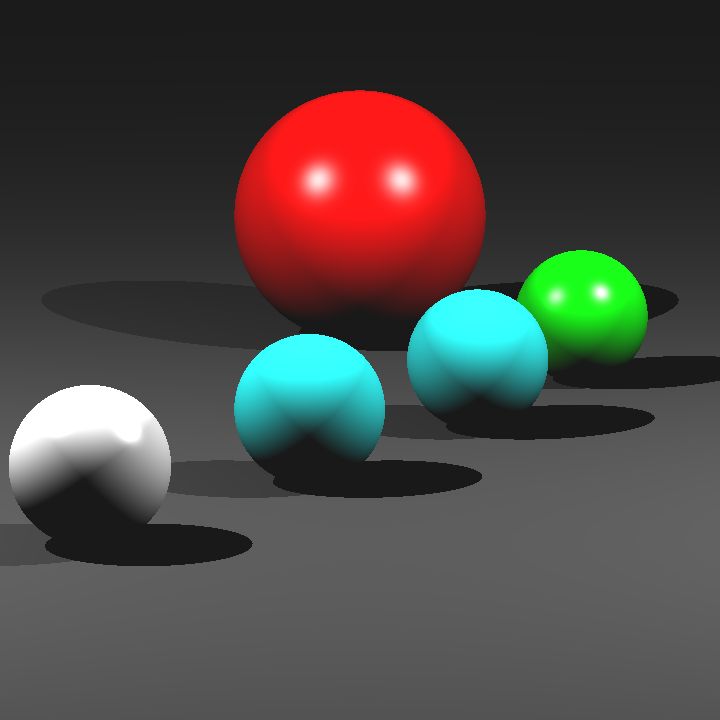
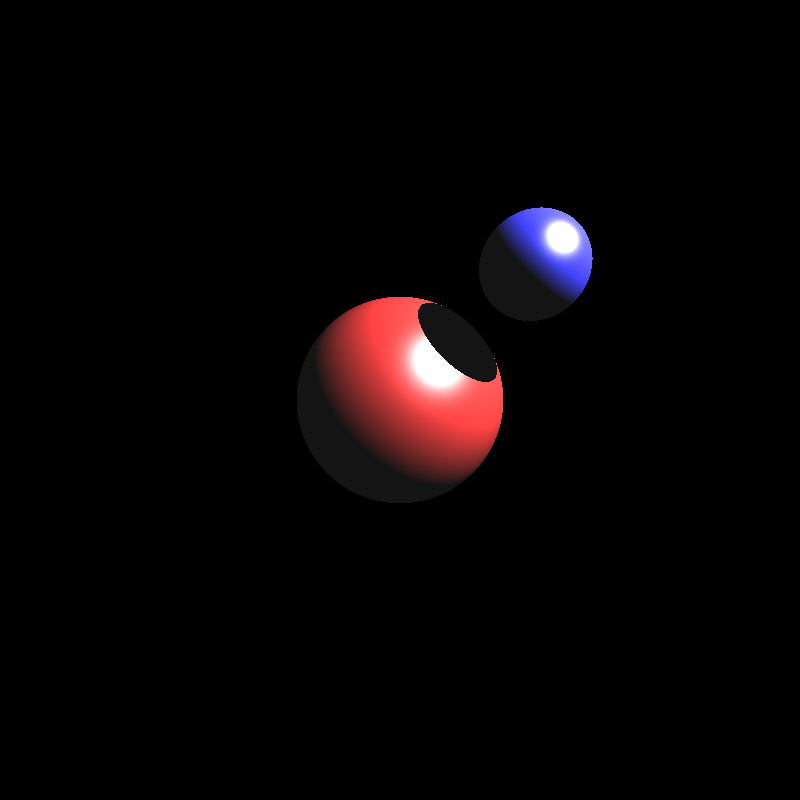
There are 25 JSON files in the Homework 1 inputs folder. You can see the outputs of each file generated by my program using the image slider below.



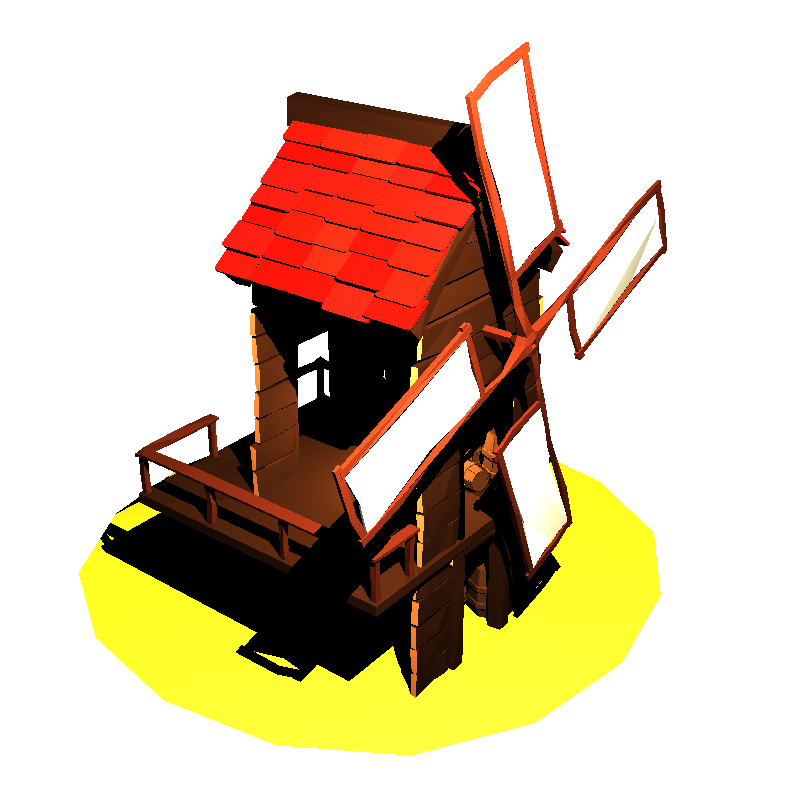
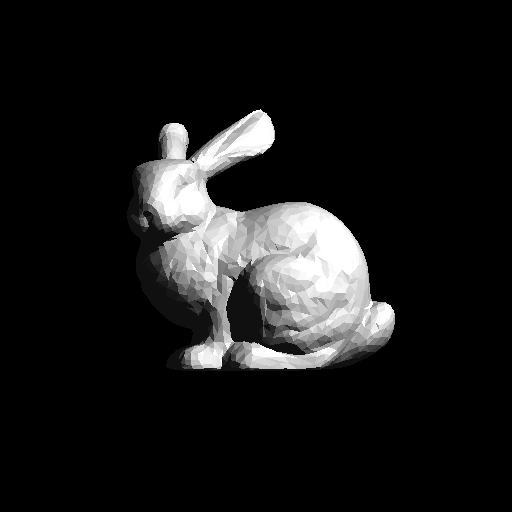
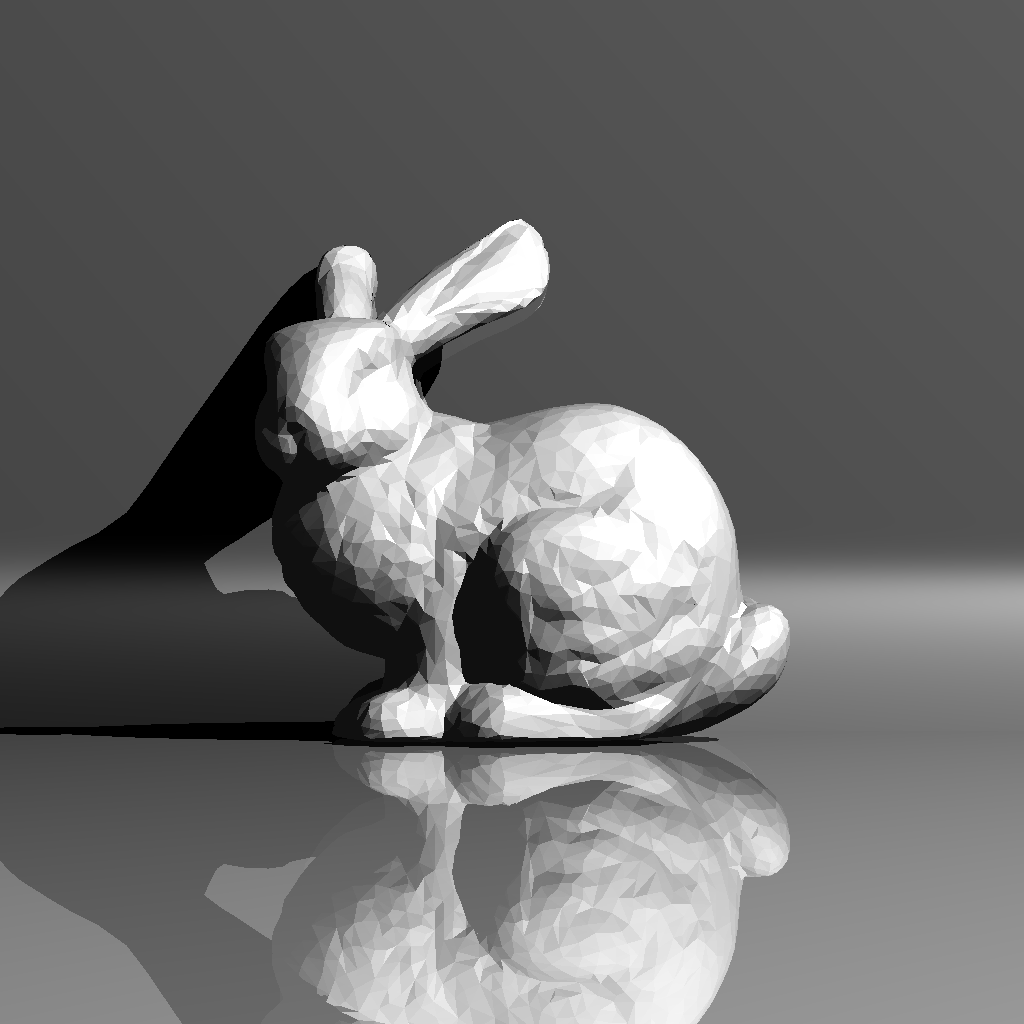

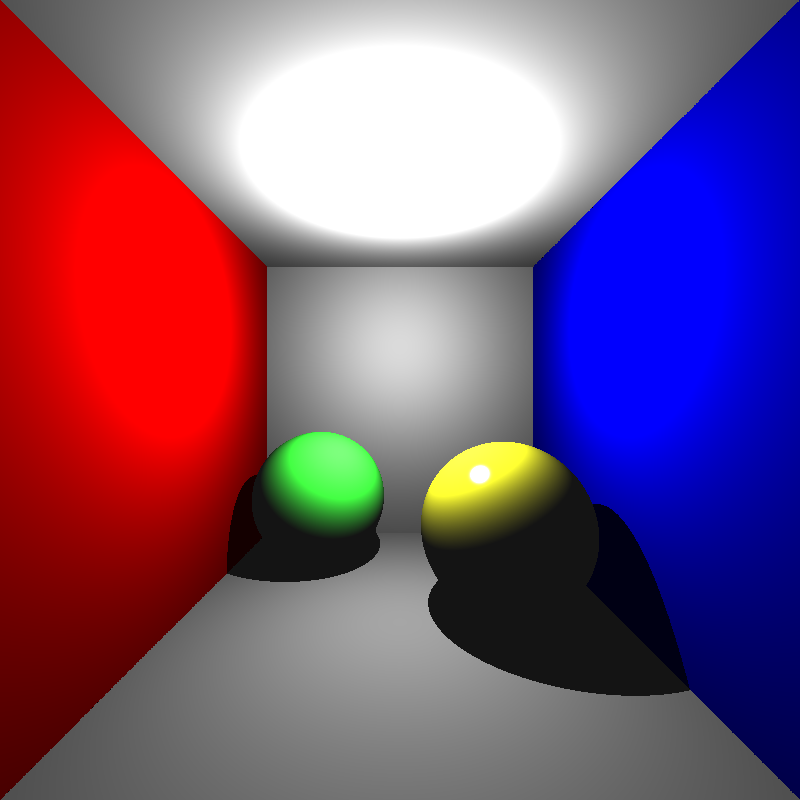


Performance Results with Back-face Culling On
The performance results shown below were measured on a PC with an i5-12400F processor and 16 GB of RAM. Back-face culling was enabled, the program ran with 12 threads during the rendering phase, SIMD optimization was active, and a uniform grid acceleration structure was used. Since my program does not use the GPU, the GPU hardware is irrelevant. These results were obtained from a single run.
| Scene | Json parse and prepare time (ms) | Render time (ms) | Save image time (ms) |
|---|---|---|---|
| berserker_smooth.png | 28 | 79 | 31 |
| Car_smooth.png | 53 | 4998 | 35 |
| Car_front_smooth.png | 53 | 4589 | 33 |
| low_poly_scene_smooth.png | 40 | 175 | 47 |
| ton_Roosendaal_smooth.png | 39 | 7232 | 44 |
| tower_smooth.png | 47 | 224 | 78 |
| trex_smooth.png | 403 | 543 | 50 |
| windmill_smooth.png | 53 | 91 | 23 |
| bunny.png | 28 | 21 | 10 |
| bunny_with_plane.png | 39 | 29733 | 31 |
| chinese_dragon.png | 3106 | 150 | 25 |
| cornellbox.png | 13 | 58 | 24 |
| cornellbox_recursive.png | 12 | 75 | 26 |
| lobster.png | 290 | 340785 | 56 |
| other_dragon.png | 388 | 3579 | 24 |
| David.png | 432 | 680 | 29 |
| raven.png | 44 | 1104 | 32 |
| UtahTeapotMugCENG.png | 231 | 640 | 30 |
| scienceTree.png | 29 | 653 | 38 |
| scienceTree_glass.png | 24 | 1240 | 38 |
| simple.png | 14 | 51 | 25 |
| spheres.png | 10 | 49 | 17 |
| spheres_mirror.png | 9 | 43 | 26 |
| spheres_with_plane.png | 14 | 46 | 17 |
| two_spheres.png | 17 | 45 | 26 |
Performance Results with Back-face Culling Off
The performance results shown below were measured under the same conditions, except that back-face culling was disabled. In most cases, there was a decrease in performance, indicating that back-face culling is an important optimization.
| Scene | Json parse and prepare time (ms) | Render time (ms) | Save image time (ms) |
|---|---|---|---|
| berserker_smooth.png | 27 | 82 | 30 |
| Car_smooth.png | 50 | 5652 | 34 |
| Car_front_smooth.png | 50 | 5397 | 33 |
| low_poly_scene_smooth.png | 40 | 176 | 46 |
| ton_Roosendaal_smooth.png | 42 | 8900 | 53 |
| tower_smooth.png | 46 | 237 | 75 |
| trex_smooth.png | 386 | 509 | 44 |
| windmill_smooth.png | 45 | 94 | 24 |
| bunny.png | 22 | 21 | 10 |
| bunny_with_plane.png | 33 | 32724 | 32 |
| chinese_dragon.png | 3174 | 139 | 27 |
| cornellbox.png | 23 | 70 | 24 |
| cornellbox_recursive.png | 14 | 71 | 26 |
| lobster.png | 290 | 348868 | 54 |
| other_dragon.png | 385 | 3764 | 23 |
| David.png | 429 | 742 | 28 |
| raven.png | 36 | 1149 | 32 |
| UtahTeapotMugCENG.png | 214 | 566 | 30 |
| scienceTree.png | 23 | 654 | 38 |
| scienceTree_glass.png | 23 | 2851 | 54 |
| simple.png | 15 | 54 | 40 |
| spheres.png | 13 | 59 | 18 |
| spheres_mirror.png | 8 | 40 | 25 |
| spheres_with_plane.png | 8 | 45 | 18 |
| two_spheres.png | 12 | 49 | 26 |
Self-Critique
Unfortunately, I didn't have time to implement smooth shading, so all scenes are rendered using flat
shading. As a result, some scenes that require smooth shading appear different from how they should.
I will definitely implement smooth shading in Homework 2.
I was also unable to render the chinese_dragon scene correctly and couldn't determine the cause of
the issue.
In some scenes, such as scienceTree_glass, the shadows show a minimal discrepancy from the expected
result. I need to review my shading function to bring the results closer to the correct output.